Inspection Apps Built on Claris FileMaker
A UK guide for surveyors, inspectors and field teams
Surveying, safety inspections, vehicle audits, site engineering, asset checks — the workflows are different, the underlying problem is the same. Capture in the field, report from the office, integrate with the back end. Here’s why Claris FileMaker remains the UK platform of choice for bespoke inspection apps in 2026.
The Short Version (read this first)
Off-the-shelf inspection SaaS handles about 70% of any given workflow. Claris FileMaker is what organisations worldwide reach for when the remaining 30% — your scoring, your templates, your regulatory body, your back-office integration — genuinely matters. iPad-first, offline-ready, fully branded PDF reports, integrated with Xero, Sage or your CRM. Smart Wolf has built variants of this for UK surveying, air-ambulance governance and charity programme management.
What A Bespoke FileMaker
Inspection App Actually Does
iPad-Native, Offline-Ready
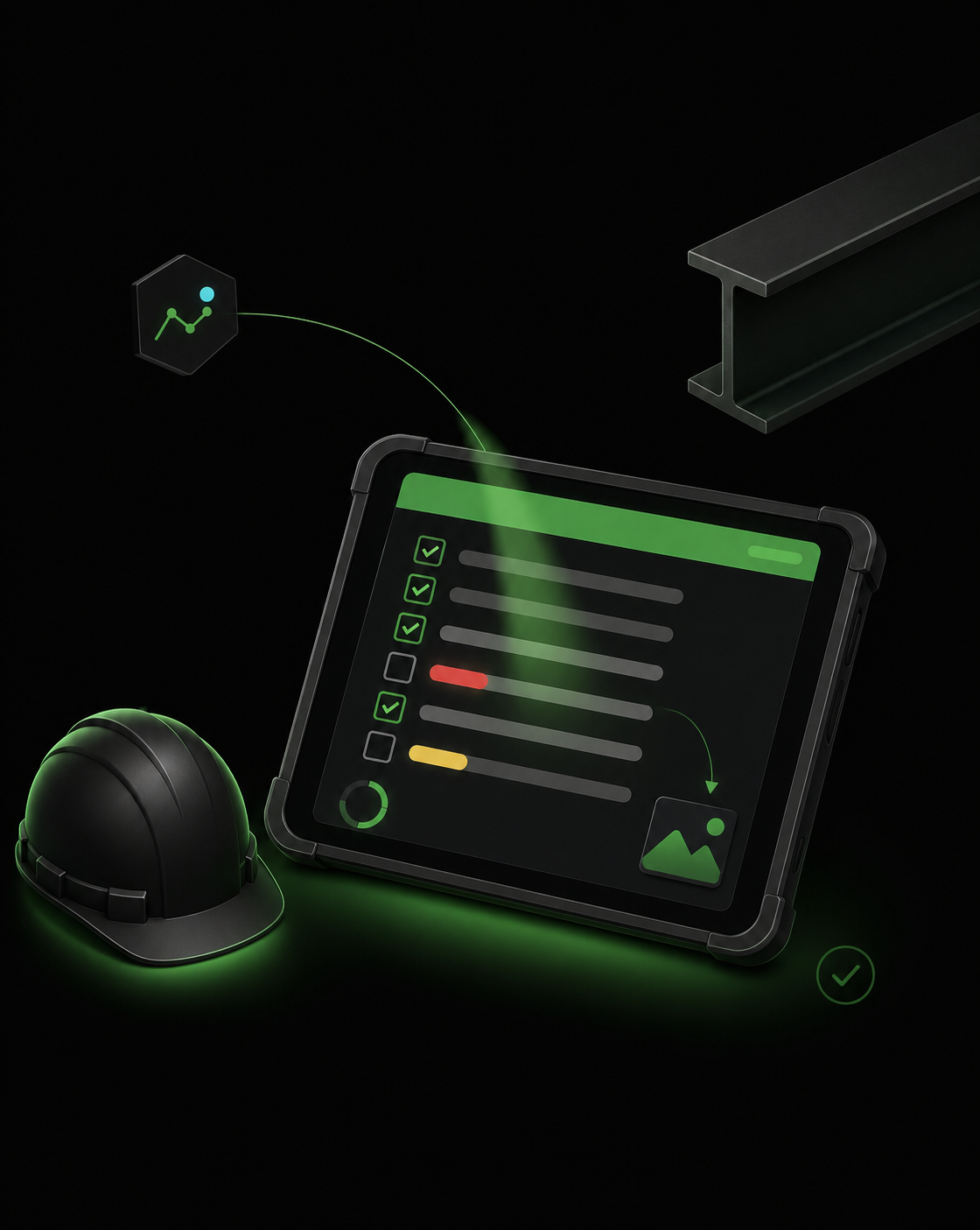
FileMaker Go on iPad — the inspector works offline in the field and syncs when they're back on a signal. No internet, no problem.
Photo Capture and Annotation
Native camera, geo-tagging, time-stamping and annotation. Photos sit alongside the inspection record and flow straight into the report.
Configurable Inspection Templates
Your questions, your scoring, your sections — configurable by your team without a developer. New inspection types added without a rebuild.
Branded PDF Reports
On completion, a PDF report is generated in your branding with the photos, scoring and findings — emailed automatically or uploaded to a customer portal.
Signature and Audit Trail
Inspector and client signatures captured on screen, audit log of who did what when. Useful for regulatory inspections and disputed claims.
Back-Office Integration
Completed inspections trigger Xero invoices, Sage updates, CRM status changes or asset-register entries — closing the loop into the rest of the business.
Why UK Inspection Businesses
Pick FileMaker
The iPad and the field. FileMaker Go is the strongest reason — native, offline, with a proper iPad interface designed for the way inspectors actually work. Most inspection SaaS treats iPad as a thin web view; FileMaker treats it as a first-class client.
Configurability without a developer. Your team can add new inspection types, edit questions, change scoring and tweak templates without calling us. We build the underlying engine; your team owns the day-to-day shape.
Branded, professional reports. The output of an inspection is usually a PDF report sent to a client. FileMaker generates these from your template, with photos, signatures and scoring — branded in a way your business actually wants to send out.
Back-office that closes the loop. Inspections don’t end when the report is sent — they trigger invoicing, scheduling, asset updates, remediation workflows. FileMaker connects to Xero, Sage, Microsoft 365 and your CRM so the back office isn’t a separate spreadsheet exercise.
Real Smart Wolf Clients
Running Inspection-Shaped Workflows
Inspection App
Questions UK Buyers Ask
Why FileMaker for inspection apps instead of off-the-shelf SaaS?
Inspection workflows are unusually specific to each business — the questions, the scoring, the photo annotation, the report template, the regulatory body, the back-office integration. Off-the-shelf inspection SaaS usually fits 70% of the workflow and leaves the other 30% to spreadsheets and email. Claris FileMaker is what organisations worldwide reach for when that 30% genuinely matters — including UK businesses, where Smart Wolf has delivered inspection apps for surveying, air-ambulance governance and charity programme management.
Does the iPad app work offline?
Yes. FileMaker Go runs natively on iPad and iPhone with full offline working — the inspector completes the inspection in the field, syncs back to FileMaker Server when they're next on a signal, and the office sees the data the moment they're back. This is the single biggest reason UK surveying and inspection businesses pick FileMaker.
Can the system produce a PDF report from the inspection?
Yes. FileMaker can produce branded PDF reports from completed inspections — your template, your branding, your sections, with embedded photos and a signature block. Reports can be emailed to the client automatically, uploaded to a customer portal, or filed into your DMS. We've built variants of this for RBA Surveying, PHEMnet's air-ambulance governance reporting, and Health and Hope's programme tracking.
What about photos taken during the inspection?
Photos are captured directly on the iPad, geo-tagged, time-stamped, annotated where useful, and stored against the inspection record. They appear in the PDF report and in the back-office view, and can be exported into a DMS or sent to the client portal alongside the report itself.
Can the inspection app integrate with our existing back office?
Yes — that's typically the whole point. Inspection completion can trigger an invoice in Xero or Sage, a job-status update in your CRM, a notification to the client, a record in your asset register, or any combination. See our FileMaker integration page and the dedicated FileMaker–Xero and FileMaker–Sage pages.
Related Insights
Client
Case Studies
Read how we are helping UK businesses, non-profit organisations and teams of all sizes to achieve their objectives more efficiently and effectively, with custom Claris FileMaker software. Here is a small showcase of some of our work.

Capture in the field, report from the office, integrate the back end.
Smart Wolf builds bespoke iPad-first inspection apps for UK surveyors, safety inspectors and field engineers — offline-ready, branded PDF reports, integrated with Xero, Sage and your CRM.
© Copyright 2026 Smart Wolf Ltd
Smart Wolf Ltd (09598480) registered in England & Wales.
Basepoint Business Centre, Bromsgrove,
Worcestershire, B60 3ET