
FileMaker
Sage Integration UK
Stop the double-keying between Claris FileMaker and Sage. A properly built FileMaker–Sage integration moves invoices, customers, stock and payments between the two systems automatically — so operations works in FileMaker, finance works in Sage, and the data behind both stays consistent without manual reconciliation.
Smart Wolf builds integrations for all three of the main UK editions — Sage 50 Accounts, Sage 200 and Sage Intacct — using the right approach for each platform. Every integration is delivered by a Cyber Essentials certified Claris Partner with GDPR-aligned security practices and a clear audit trail of every field that crosses the boundary.
What we connect between
FileMaker and Sage
Push Sales and Purchase Invoices
Authorised invoices, credit notes and purchase invoices flow from FileMaker into Sage 50, Sage 200 or Sage Intacct with the right nominal codes, tax rates and VAT treatment in place.
Sync Customers and Suppliers
Customer and supplier records stay aligned between FileMaker and Sage — addresses, credit limits, payment terms and account managers update in both directions on a schedule that fits your workflow.
Stock and Product Data
Stock levels, product codes, prices and discount structures stay in step between FileMaker and Sage 200 or Intacct — useful for manufacturing, distribution and field-service teams.
Payments and Remittance
Payments allocated in Sage update FileMaker's outstanding-balance view; remittance advice can flow back so operations teams see what's been paid without leaving the database.
Nominal Codes and Dimensions
Revenue, cost, project and department codes map cleanly between FileMaker line items and Sage's chart of accounts, cost centres and (in Intacct) dimensions — so management accounts reflect the real shape of the business.
Secure, Audited Connection
Authenticated API access (or controlled ODBC for Sage 50), role-based access in FileMaker, and a clear audit log of every field synced. No shared logins, no credentials hard-coded in scripts.
How We Connect FileMaker
To Each Version of Sage
Sage 50 Accounts. Sage 50's public API is narrower than Sage 200 or Intacct, so we usually connect via Sage Data Service (ODBC), the Sage 50 Cloud REST endpoints where available, or a thin middleware layer that handles queuing and retries. Best fit for scheduled sync of invoices, customers and payments.
Sage 200. Sage 200 exposes a much richer SDK and a REST API in the Sage Business Cloud variant. FileMaker can write sales orders, invoices and purchase invoices directly, manage stock and post receipts in real time. We run discovery against your specific Sage 200 environment because customisations vary widely.
Sage Intacct. Intacct's cloud-native REST API is the cleanest of the three to integrate with — AR, AP, GL, journals, projects and dimensions are all well-documented. Real-time triggers, multi-entity support and audited writes are all straightforward, and we'll typically suggest Intacct integrations move to real-time rather than scheduled.
Common Sage Workflows
We Automate for UK Teams
Field job → Sage invoice. Engineers complete a job on FileMaker Go (iPad), the system prices materials and labour, and an authorised sales invoice lands in Sage with the right nominal codes by the time they're back at base.
Quote → sales order → invoice. Sales raises a quote in FileMaker. On acceptance, a sales order opens in Sage 200, picking and dispatch run in FileMaker, and the invoice posts back to Sage automatically.
Manufacturing → management accounts. Production data is captured in FileMaker; nightly sync sends summarised revenue and cost lines to Sage with the right cost centres and projects, so monthly management accounts come out of Sage without the spreadsheet step.
How We Deliver A
FileMaker–Sage integration
Every FileMaker–Sage integration we deliver follows the same disciplined five-step process. You see working software early, and there is no go-live without a clean reconciliation against your live Sage data.
1. Discovery. We sit with your operations and finance teams, walk through the real-world process, and map every field that needs to cross between FileMaker and your edition of Sage. Edge cases — credit notes, multi-currency, part-payments, sales orders — are captured up front.
2. Field mapping and sandbox. We build against a Sage sandbox (or staging environment for Sage 50), map every line-item and nominal-code scenario, and confirm the mapping with finance before a single live invoice is touched.
3. Build and test. Real-time triggers (or scheduled sync for Sage 50), audit logging and error handling are built and tested end-to-end. FileMaker scripts are documented so your in-house team can read them.
4. Sign-off and go-live. We run a full reconciliation against your live Sage data, confirm the numbers match, and switch the integration on with rollback ready.
5. Ongoing support. Sage version updates, deprecation alerts and integration tweaks are wrapped into our managed support — your finance team should never be the one to spot a broken sync.
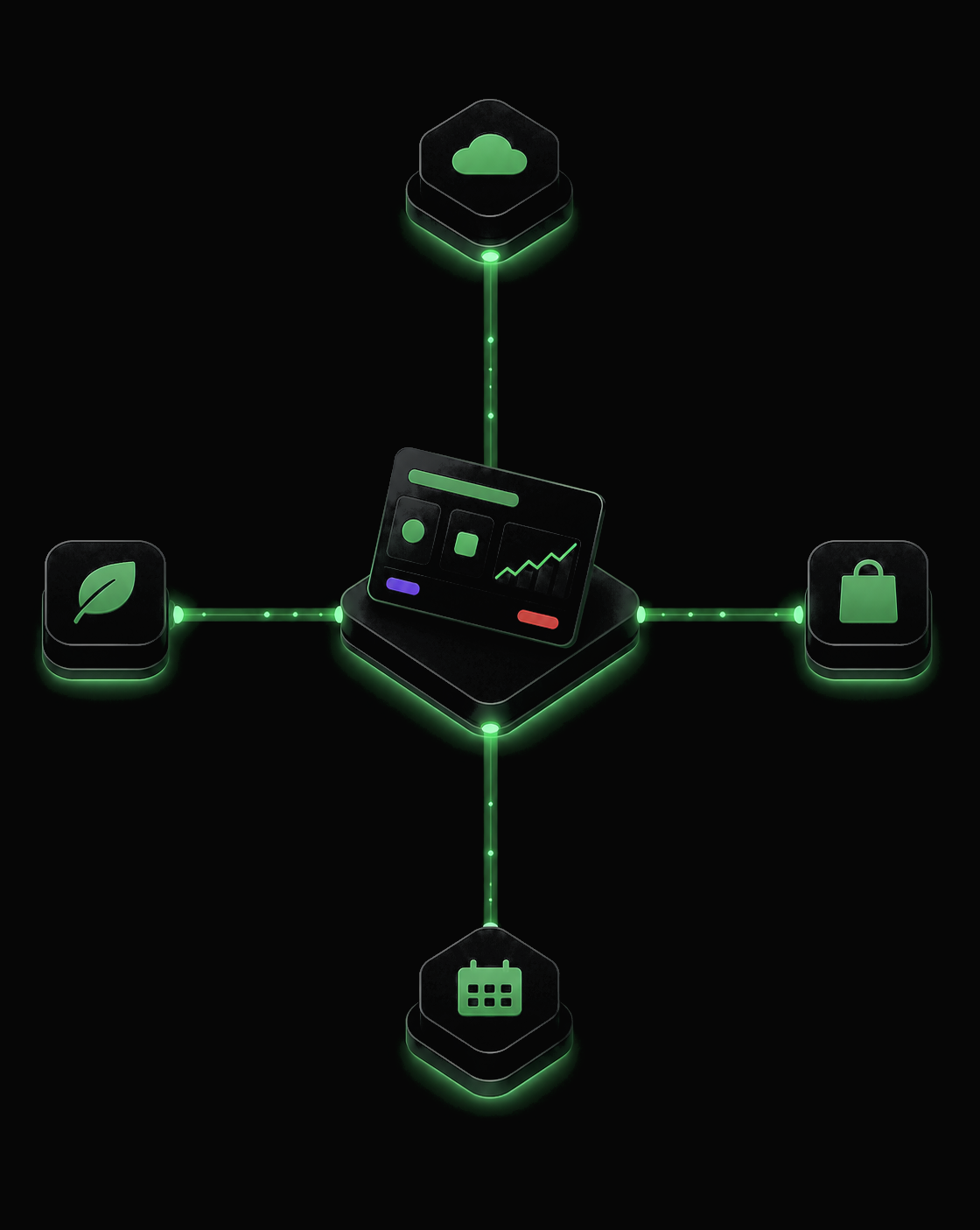
FileMaker–Sage integration
questions from UK businesses
Which versions of Sage can FileMaker integrate with?
All three of the main UK editions — Sage 50 Accounts, Sage 200 (Standard and Professional) and Sage Intacct. Each has a different integration shape, so the right approach depends on which version you run, where it's hosted and how much real-time sync your processes actually need.
How do FileMaker–Sage 50 integrations actually work?
Sage 50's public API is limited, so most integrations connect through Sage Data Service (ODBC), a server-side bridge, or a middleware layer that talks to Sage 50 Cloud's REST endpoints where available. We map fields once, document the boundary, and run scheduled or near real-time syncs depending on volume.
What about Sage 200 — is the integration richer?
Yes. Sage 200 exposes a much fuller SDK and, in the Sage Business Cloud variant, a proper REST API. FileMaker can write sales orders, sales invoices and purchase invoices directly, pull customer and stock data both ways, and post receipts. We typically run discovery against your specific Sage 200 setup because customisations vary widely.
Is Sage Intacct different from Sage 50 and Sage 200?
Significantly. Sage Intacct is a cloud-native finance platform with a mature REST API and well-documented endpoints for AR, AP, GL, journals, projects and dimensions. FileMaker–Intacct integrations tend to be the cleanest of the three — real-time triggers, audited writes and multi-entity support are all straightforward.
Will the integration break when Sage upgrades?
Sage releases scheduled product updates, and Smart Wolf builds against documented endpoints so we know in advance when a version is retiring. We monitor deprecation notices and roll updates into the integration as part of ongoing support — so your finance team is never the first to spot a broken sync.
Can FileMaker push invoices into Sage from a mobile job sheet?
Yes. Engineers complete a job on FileMaker Go (iPad), the system priced the materials and labour, and an authorised sales invoice lands in Sage within minutes — with the right nominal codes, project tags and VAT treatment. This is one of the most common workflows we deliver for UK field-based teams.
Client
Case Studies
Read how we are helping UK businesses, non-profit organisations and teams of all sizes to achieve their objectives more efficiently and effectively, with custom Claris FileMaker software. Here is a small showcase of some of our work.


© Copyright 2026 Smart Wolf Ltd
Smart Wolf Ltd (09598480) registered in England & Wales.
Basepoint Business Centre, Bromsgrove,
Worcestershire, B60 3ET