Claris Studio
Replacement
Claris announced on 26 August 2026 that Claris Studio will be discontinued on 15 March 2027. Until then it works normally. After then the service stops, the form links stop resolving with no redirect available, and Studio data is securely deleted. If your business runs anything through Studio, you have a defined window to move it somewhere with a future.
Smart Wolf moves UK businesses off Claris Studio and onto something built to last. For a good deal of Studio work that means bringing it back into Claris FileMaker itself; where the job genuinely belongs on the web, it means a custom React or Next.js portal. We are a UK Claris Partner with over a decade of FileMaker delivery behind us, and we will tell you straight which one you need.
What The Shutdown
Actually Costs You
A Hard Deadline
15 March 2027 is a full shutdown, not a deprecation. There is no grace period and no read-only mode afterwards.
Data Deletion
Claris securely deletes all Studio data after shutdown. Anything that lived only in Studio needs exporting before then.
Dead Form Links
Studio URLs stop resolving and redirects are not supported — every printed, embedded or emailed link needs repointing.
Disrupted Users
Customers and staff who submit through a Studio form need somewhere else to go, ideally before they notice anything changed.
Broken Downstream Workflow
Reporting, notifications and follow-up processes fed by a Studio form lose their input the moment the service stops.
A Narrowing Window
Development capacity across the UK Claris partner community is finite. The closer to the deadline, the busier everyone gets.
Where Your Studio
Work Should Land
There is no single replacement for Claris Studio, and any firm that tells you otherwise is selling you their preferred answer. Start with the question most people skip: does this actually need to be in a web browser?
Most Studio work belongs back in FileMaker itself. A great deal of what ended up in Studio was internal — a tracker, a data-capture form, a small dashboard. It lived in a browser because that is what Studio was, not because anyone needed it there. Rebuilt as a native FileMaker layout it usually gets better: faster, with the full scripting and reporting model behind it, and offline working on iPad through FileMaker Go. It is already covered by your licence. For most teams, this is the honest answer.
Genuinely web-facing work → a custom web portal. When the people using it are customers, partners or the public — anyone you are never going to license — you need a real web application. A React or Next.js portal built on the FileMaker Data API gives you full control of branding, performance and user experience, with no FileMaker licences for end users. Claris does not name this route. For customer-facing work it is usually the right one.
FileMaker WebDirect → the narrow middle. Claris’s own recommended path, and it has a place: occasional browser access to existing FileMaker layouts, for licensed users, with nothing to build. It serves FileMaker layouts rather than a designed web experience, so it is rarely the right home for customer-facing work.
Simple anonymous forms → a third-party form tool. For genuinely lightweight public capture, Typeform, JotForm or Tally connect back to FileMaker through Claris Connect or the Data API. Sound for a basic enquiry form; not for anything that grew a workflow.
The Upgrade Hiding
inside the deadline
Nobody enjoys being told to rebuild something that was working. But Studio was a low-code layer with real limits — constrained design, limited branding, and a ceiling you probably met at some point.
Most of the businesses we move off a retired platform end up with something better than they had. A custom portal is fully branded, fast, properly responsive, indexed by search engines where that matters, and built to do exactly what your process needs rather than what a form builder allowed.
The deadline is the prompt. What you build in response is yours for the next decade, and it does not depend on anyone’s product roadmap decision.
If your Studio app was genuinely simple, we will tell you that too — and keep the replacement equally simple. We are not going to sell you a portal you do not need.
How We Move You
Off Claris Studio
A Studio migration is a defined piece of work with a fixed deadline attached. Our five steps are built to get you off it calmly, without a scramble in February 2027:
1. Inventory what is actually in Studio. Every form, view, dashboard and app — plus who uses it, how often, and what happens to the data afterwards. Studio estates are almost always larger than people remember.
2. Decide the destination for each item. Not everything goes to the same place, and some of it should simply be retired. We give you a written recommendation per item, and we will say when something is not worth rebuilding.
3. Export and preserve the data. Studio data comes out via CSV table export. We take it out early, validate it, and land it properly in FileMaker so nothing is riding on a deletion deadline.
4. Rebuild where the work belongs. Native FileMaker layouts for internal work, a custom portal where it genuinely needs to be on the web, WebDirect where occasional browser access to existing layouts is all that is required.
5. Repoint every link, then switch over. The step people forget. We track down every Studio URL — website, emails, QR codes, printed material — and repoint it before the shutdown, because Claris does not support redirects.
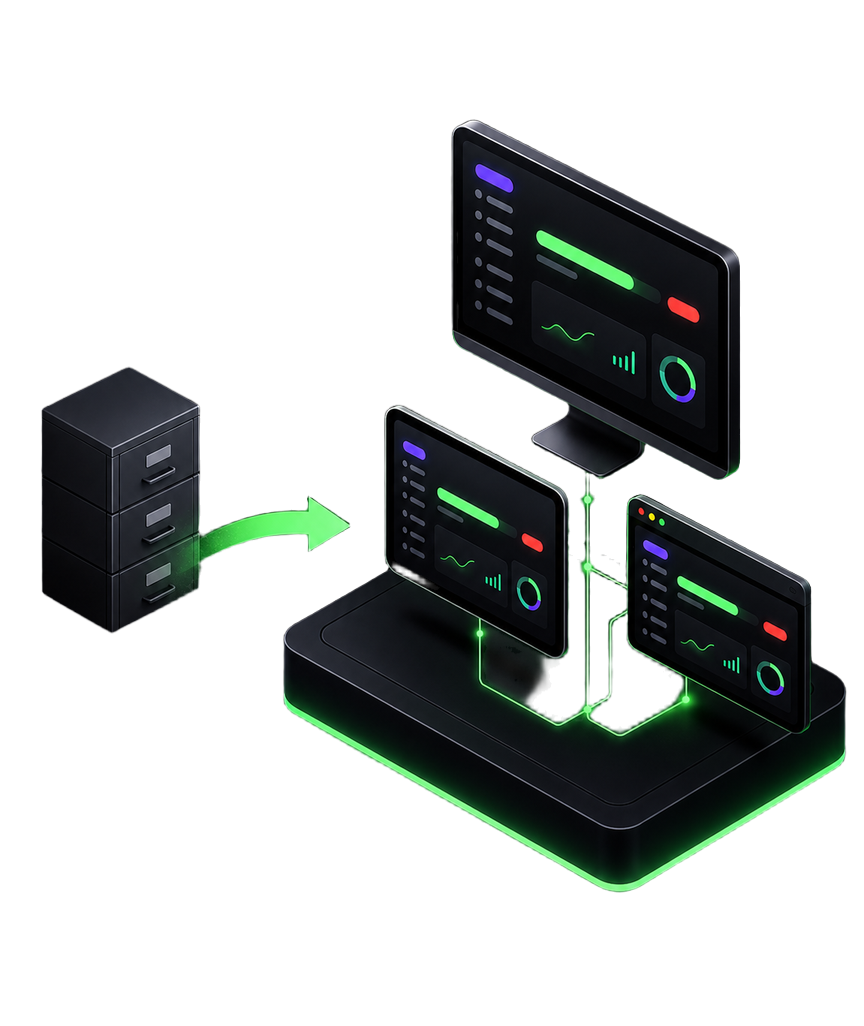
Claris Studio replacement
questions from UK businesses
When exactly does Claris Studio stop working?
15 March 2027 is the full shutdown date. Claris announced it on 26 August 2026. Until that date the service remains fully available and supported, and existing published apps and web forms carry on working normally — nothing degrades in the run-up.
What happens to our data if we do nothing?
It is deleted. Claris has confirmed that after the shutdown all Studio data is securely deleted in line with its data retention policy. Your FileMaker data is entirely separate and is not affected — but anything that lived only in Studio goes with the service. You can export at any time using the CSV table export inside Studio, and we would suggest taking a copy well before the deadline regardless of when you migrate.
Our Studio form links are printed on paperwork and embedded in our website. What happens to those?
This is the detail that catches people out. Studio URLs stay live until 15 March 2027 and stop resolving afterwards, and Claris has confirmed that redirects for individual form links are not supported. Every place a Studio link appears — your website, email templates, QR codes, printed forms, supplier instructions — needs repointing before the shutdown. We treat that inventory as a work item in its own right, not an afterthought.
What should we actually replace Claris Studio with?
Start with the question most people skip: does it need to be in a web browser at all? A lot of what ended up in Studio was internal work that lived in a browser only because that is what Studio was. Rebuilt natively in FileMaker Pro it usually gets better — faster, fuller scripting and reporting, offline on iPad through FileMaker Go — and it is already covered by your licence. Where the work genuinely is web-facing, the audience decides: customers, partners and the public need a real web application, which means a custom React or Next.js portal; licensed users who just need occasional browser access to existing layouts can use FileMaker WebDirect, which is Claris's own recommended path. Simple anonymous forms can go to Typeform, JotForm or Tally via Claris Connect.
Can we just use Typeform or JotForm instead?
For genuinely lightweight, anonymous public data capture, yes — Claris names this route itself, and tools like Typeform, JotForm and Tally connect back to FileMaker through Claris Connect or the Data API. It is a sound answer for a simple enquiry form. It is a poor answer if your Studio app had grown into something with users, permissions and workflow attached, which is what usually happens.
Does our FileMaker licence change or get cheaper?
No. Claris has confirmed there is no pricing adjustment as a result of discontinuing Studio, because Studio was bundled into the FileMaker licence rather than billed separately. Your licence continues to cover FileMaker Pro, Server or Cloud, Go, WebDirect and Claris Connect. See our Claris FileMaker licensing guide for what that covers in full.
Does this mean FileMaker itself is at risk?
No, and it is a reasonable question to ask. Claris has stated that FileMaker is not impacted and that the engineering capacity recovered from Studio is being reinvested in FileMaker — core platform stability and resilience among the named priorities. Claris Connect and Claris MCP for FileMaker are also unaffected. We have written up our honest read of what the retirement says about the platform if you want the longer version.
How long will our migration take?
It depends entirely on what you built in Studio. A few data-capture forms is a modest piece of work. A Studio app that quietly became an operational system — with its own users, its own workflow and reporting hanging off it — is a project, and worth starting well before the deadline crowd forms. A short scoping conversation will tell you which of those you have, and we will say so straight.
We are not a Smart Wolf client. Can you still help?
Yes. We take on inherited systems regularly, including ones built by someone else or by an in-house team that has since moved on. You do not need an existing relationship with us, and you are not committing to anything by having the conversation.
Client
Case Studies
Read how we are helping UK businesses, non-profit organisations and teams of all sizes to achieve their objectives more efficiently and effectively, with custom Claris FileMaker software. Here is a small showcase of some of our work.


© Copyright 2026 Smart Wolf Ltd
Smart Wolf Ltd (09598480) registered in England & Wales.
Basepoint Business Centre, Bromsgrove,
Worcestershire, B60 3ET