FileMaker Pro vs Cloud vs Server vs Go
UK buyer guide to the Claris FileMaker editions
Pro, Server, Cloud, Go and WebDirect sound like five separate products. Today they’re a single bundle — but they’re still different things with different deployment trade-offs. Here’s the plain-English buyer guide for UK teams.
The Short Version (read this first)
A single Claris FileMaker licence now bundles FileMaker Pro (desktop authoring), FileMaker Server (the back-end runtime, self-host or managed), FileMaker Go (iPad and iPhone), WebDirect (browser access) and Claris Connect (workflow automation). You don’t choose between them at purchase. You choose how to deploy — usually Pro on a few developer machines, Server on a UK-managed cloud, Go on field iPads, and WebDirect or a custom portal for any web layer. Claris Studio is no longer part of the picture — Claris is discontinuing it on 15 March 2027.
The Six Things A Claris FileMaker
Licence actually covers
FileMaker Pro
The professional desktop authoring tool. Windows and Mac. Where developers and administrators build, script and maintain the app. End users on web and iPad don't need it.
FileMaker Server
The back-end runtime. Hosts your data, runs schedules, exposes the Data API. Self-host on Windows or Ubuntu Linux, on UK-managed cloud, or use Claris-managed Cloud.
FileMaker Go
Native iPad and iPhone client. Offline working, sync when connected. The reason field teams pick this stack — no other platform's mobile story is as native.
FileMaker WebDirect
Serves your existing FileMaker layouts straight through a standard web browser — nothing to install, and no Pro or Go licence for end users. Best for internal tools and occasional users where browser access matters more than a bespoke web design.
Claris Connect
Workflow automation across the platform — bundled with current Claris FileMaker licences. Visual flow builder for the integrations that don't need bespoke code.
Self-Hosted Server vs
Claris-Managed Cloud
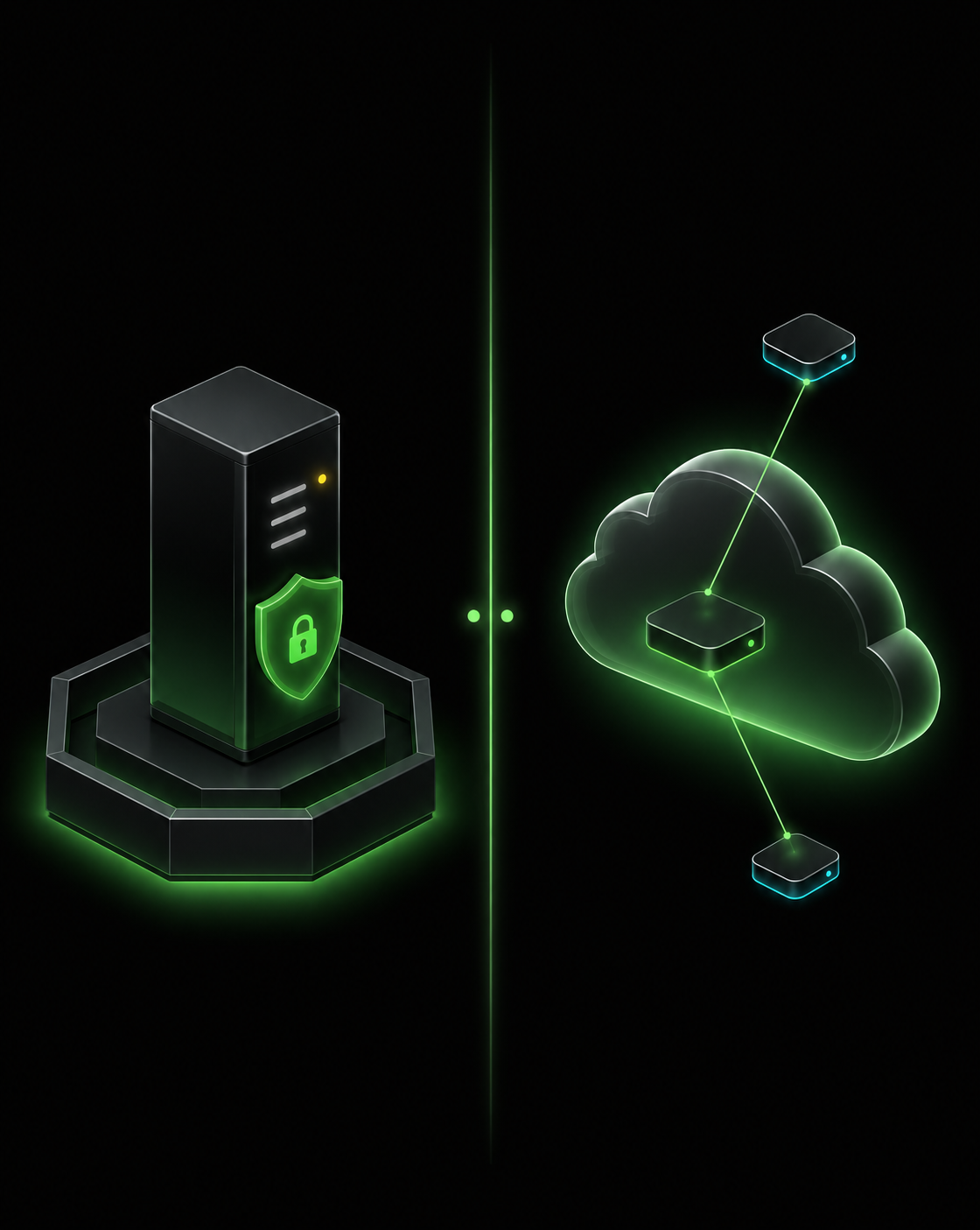
The biggest deployment decision in the bundle is whether you run FileMaker Server yourself (or via your Partner) on UK infrastructure, or whether you let Claris run it on their managed cloud.
Self-hosted FileMaker Server wins when data residency genuinely matters (Cyber Essentials, UK-only contracts, charity data-sharing rules), when you need integration with the rest of your IT estate (Active Directory, on-prem databases, fileshares), or when you want control over patch timing and performance tuning. Smart Wolf delivers this on dedicated UK-managed cloud infrastructure — the same operational outcome as Claris Cloud, but with UK data residency and a single point of contact for hosting, licensing and support.
Claris-managed Cloud wins when you want the simplest possible deployment — Claris handles infrastructure, patching, backups and updates, and you don’t need anyone managing a server. Trade-off is reduced control over where the data sits, when patches land, and how the server is tuned.
For UK SMEs without in-house IT capacity who don’t have strict residency requirements, Claris Cloud is a clean choice. For SMEs who care about UK hosting, who already work with a Claris Partner, or who run integrations into the rest of their estate, self-hosted (or Partner-managed) is the better fit. See managed FileMaker hosting.
FileMaker Editions
Questions UK Buyers Ask
Are FileMaker Pro, Server and Cloud separate products?
Technically yes, but under the unified licensing model they're bundled into a single Claris FileMaker licence. You don't choose between them at purchase — you choose how you deploy. Most UK clients run Pro on their developers' and admins' desktops, Server in the cloud or on UK infrastructure, and Go on their team's iPads.
When would I pick Claris-managed Cloud over self-hosted FileMaker Server?
Claris Cloud is the simplest deployment — Claris hosts FileMaker Server for you, takes care of updates and backups, and you don't manage any infrastructure. Self-hosted Server gives you more control over location (UK on-premise or UK-managed cloud), tuning, and integration with the rest of your IT estate. Smart Wolf delivers both; the choice usually comes down to data-residency posture and how much in-house IT you have.
Do I still need FileMaker Pro if my users only access via web or iPad?
You need FileMaker Pro to develop and administer the system, but end users on web (WebDirect) and iPad (FileMaker Go) don't need a Pro licence. Under the unified licensing model, end-user access through these surfaces is included in the same licence — Pro is just for the people who build and run the app.
Is Claris Studio still one of the FileMaker editions?
No. Claris announced on 26 August 2026 that Claris Studio will be discontinued on 15 March 2027. Existing Studio apps and web forms keep working normally until that date, after which the service shuts down, Studio URLs stop resolving and Studio data is securely deleted. FileMaker Pro, Server, Cloud, Go and Claris Connect are not affected, and Claris has confirmed there is no pricing change as a result. If you have anything running in Studio, see our Claris Studio replacement guide.
Can FileMaker Server really run on Ubuntu Linux?
Yes — Claris officially supports FileMaker Server on Ubuntu LTS releases as well as Windows Server. For UK clients standardised on Linux estates, it's the same FileMaker Server, just deployed on a cheaper, more familiar operating system.
Which combination is right for our UK SME?
Most UK SMEs we work with run: FileMaker Pro on a small number of developer and admin Macs/PCs, FileMaker Server on a Smart Wolf-managed UK cloud server, FileMaker Go for any iPad-based teams, and WebDirect or a custom React portal if there's a customer or remote-user web layer to add later. We'll talk you through it on a free consultation — there's no single right answer.
Related insights
Client
Case Studies
Read how we are helping UK businesses, non-profit organisations and teams of all sizes to achieve their objectives more efficiently and effectively, with custom Claris FileMaker software. Here is a small showcase of some of our work.



Need help working out which FileMaker edition fits?
Smart Wolf will walk through how your team works, where your data should sit, and which combination of Pro, Server, Cloud, Go and Claris Connect matches your situation — without the marketing fog.
© Copyright 2026 Smart Wolf Ltd
Smart Wolf Ltd (09598480) registered in England & Wales.
Basepoint Business Centre, Bromsgrove,
Worcestershire, B60 3ET